Getting Started
Button
Cards
Icons
Loaders
Text
Others
Gallery Card16
🖼️ GalleryCard
A beautiful interactive gallery component that displays draggable photo cards with smooth animations ✨. Perfect for creating engaging photo galleries 📸, portfolio showcases 🎨, or memory walls 💭 where users can interact with and rearrange images naturally.
A gallery of gentle echoes
Frames full of feelings!



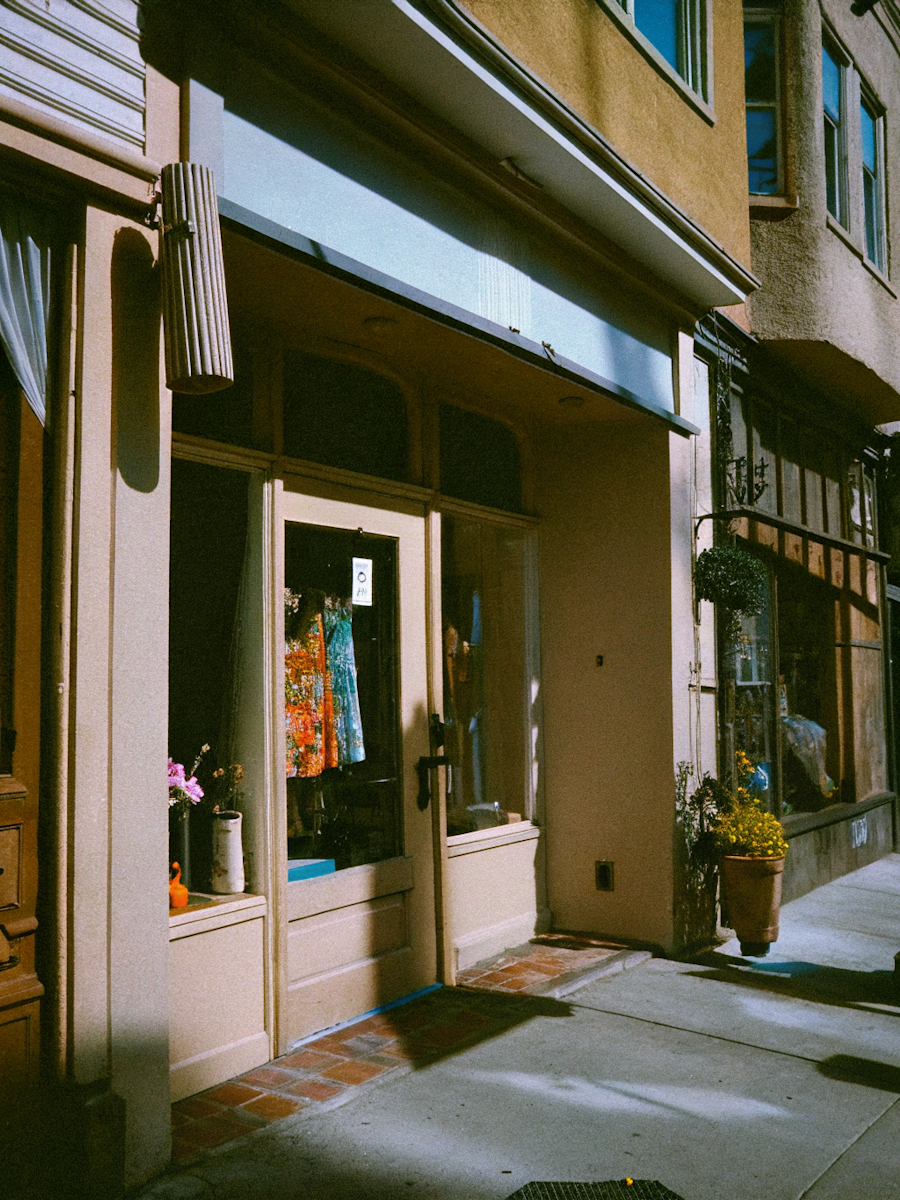

Install Dependencies
npm i clsx tailwind-merge motionAdd utility file
lib/utils.ts
import { ClassValue, clsx } from "clsx";
import { twMerge } from "tailwind-merge";

export function cn(...inputs: ClassValue[]) {
  return twMerge(clsx(inputs));
}
Code
GalleryCard.tsx
"use client";

import { cn } from "@/lib/utils";
import { motion } from "motion/react";
import { RefObject, useRef, useState } from "react";

export default function GalleryCard() {
    return (
        <section className="relative h-[500px] w-[80%] flex items-end justify-end overflow-hidden bg-gray-100">
            <h2 className="relative z-0 text-[20px] tracking-tighter text-neutral-600 md:text-[30px] right-20 bottom-0 text-center font-inter font-light">
                A gallery of gentle echoes <br></br> Frames full of feelings!

                {/* <img src={"/dragCardImgs/sticker.png"} className="w-10 h-10 absolute right-[-28px] bottom-[0px]"></img> */}
            </h2>
            <Cards></Cards>
        </section>
    );
};

const Cards = () => {
    const containerRef = useRef<HTMLDivElement | null>(null);
    return (
        <div ref={containerRef} className="absolute inset-0 z-10">
            <Card containerRef={containerRef} imgSrc="/dragCardImgs/img1.png" top="0%" left="5%" />
            <Card containerRef={containerRef} imgSrc="/dragCardImgs/img4.png" top="0%" left="30%" />
            <Card containerRef={containerRef} imgSrc="/dragCardImgs/img5.png" top="35%" left="30%" />
            <Card containerRef={containerRef} imgSrc="/dragCardImgs/img6.png" top="35%" left="5%" />
            <Card containerRef={containerRef} imgSrc="/dragCardImgs/img8.png" top="15%" left="55%" />

        </div>
    )
};

interface Props {
    imgSrc?: string;
    alt?: string;
    top?: string;
    left?: string;
    rotate?: string;
    containerRef: RefObject<HTMLDivElement | null>;
    className?: string;
}

const Card = ({ containerRef, imgSrc, alt, top, left, rotate, className }: Props) => {
    const [zIndex, setZIndex] = useState(0);

    const updateZIndex = () => {
        const els = document.querySelectorAll(".drag-cards");
        let maxZIndex = -Infinity;

        els.forEach((el) => {
            const zIndex = parseInt(window.getComputedStyle(el).getPropertyValue("z-index"));
            if (!isNaN(zIndex) && zIndex > maxZIndex) {
                maxZIndex = zIndex
            }
        });

        setZIndex(maxZIndex + 1);
    };

    return (
        <motion.img
            initial={{ opacity: 0.1 }}
            animate={{ opacity: 1 }}
            transition={{ duration: 0.3, delay: 0.3 }}
            onMouseDown={updateZIndex}
            drag
            dragConstraints={containerRef}
            dragElastic={0.5}
            dragTransition={{
                power: 0.2,
                timeConstant: 200,
            }}
            src={imgSrc || "/dragCardImgs/img1.png"} alt={alt} width={1000} height={1000}
            style={{ top, left, rotate, zIndex }}
            className={cn("drag-cards absolute w-40 h-40 bg-neutral-900 p-3 object-cover cursor-grab hover:cursor-grabbing", className)}>
        </motion.img>
    )
}
Gallery Card16